IPYNB to ZIP — Free Online Converter for Jupyter Notebooks
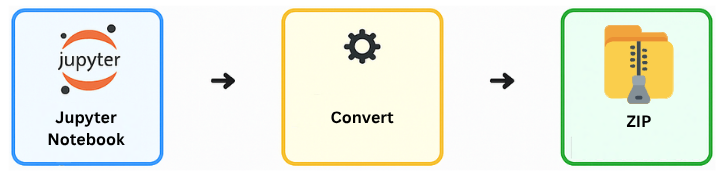
Quickly convert and compress your Jupyter Notebook (.ipynb) into a ZIP file using our free IPYNB to ZIP Converter. 100% free and runs in your browser — no upload required. Perfect to bundle multiple notebooks and assets.
Upload Your Notebook Files
Simple and Secure Notebook Packaging
Select one or more .ipynb files and optional data
resources — the converter bundles everything into a single
.zip archive ready for sharing or backup. This
ipynb to zip converter is optimized for speed and
works entirely offline.
How to Use the IPYNB to ZIP Converter (Step-by-Step)
Step 1 – Select your files
Select your .ipynb (or multiple Jupyter files) for conversion.
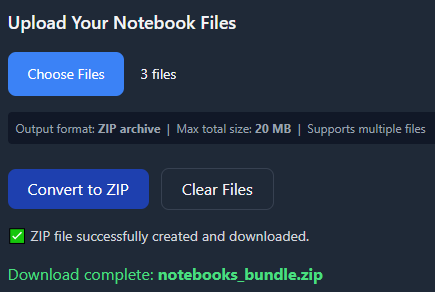
Step 2 – Click “Convert to ZIP”
Click Convert to ZIP and let the ipynb to zip converter handle the packaging automatically.
Step 3 – Download your ZIP
Download the ZIP file and share/store it anywhere.
Need to
convert Jupyter files to ZIP with assets? Add your
images/ or data/ folder before
converting.
Why Compress IPYNB Files?
- Single file for sharing (email, LMS, submissions).
- Smaller size → faster transfer (compress ipynb).
- Keep structure: notebooks + data/scripts bundled.
- Reproducibility: lock notebook + resources in one archive.