HTML to Markdown Converter
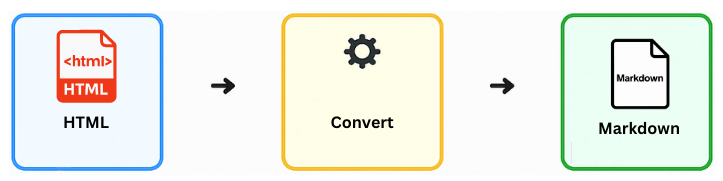
Easily convert HTML to Markdown with our free online tool. Whether you need to migrate blog posts, recover content, or switch documentation formats, this HTML to MD converter generates clean, readable text instantly. Run your HTML to Markdown transformation directly in your browser without uploading data to any server.
Upload to Convert HTML to MD
Notes:
- Our HTML to Markdown converter treats your privacy seriously. No file is uploaded; conversion happens in your browser.
- Complex layouts are simplified to standard HTML to Markdown syntax for best readability.
How to Convert HTML to Markdown Online
Step 1 – Upload your HTML file
Click Choose File and select the .html or .htm file
you wish to process. No need to install software to convert html to md.
Step 2 – Start the HTML to Markdown Conversion
Hit the Convert to Markdown button. Our advanced html to markdown converter will instantly parse tags like paragraphs, headers, and lists, translating them into proper Markdown syntax.
Step 3 – Download your MD File
Your converted file will download immediately. You now have a clean, lightweight version of your web content, ready for any Markdown editor or static site generator.
FAQ: HTML to Markdown Converter
Why should I convert HTML to Markdown?
Markdown is much cleaner and easier to write than raw HTML. Using an html to markdown converter is essential when migrating content from WordPress to static sites (like Jekyll or Hugo), or when you need to convert html to md for documentation in GitHub repositories.
Is this HTML to Markdown converter free?
Yes! This tool allows you to convert html to markdown online completely for free. There are no limits on file size for reasonable use, and it works locally on your device.
Can I convert Markdown back to HTML?
Absolutely! If you need to reverse the process, use our Markdown to HTML converter. It's the perfect companion tool for round-trip converting.